Create a Password Policy
The following section covers how to create a password policy
Log on to ASI and navigate to Settings
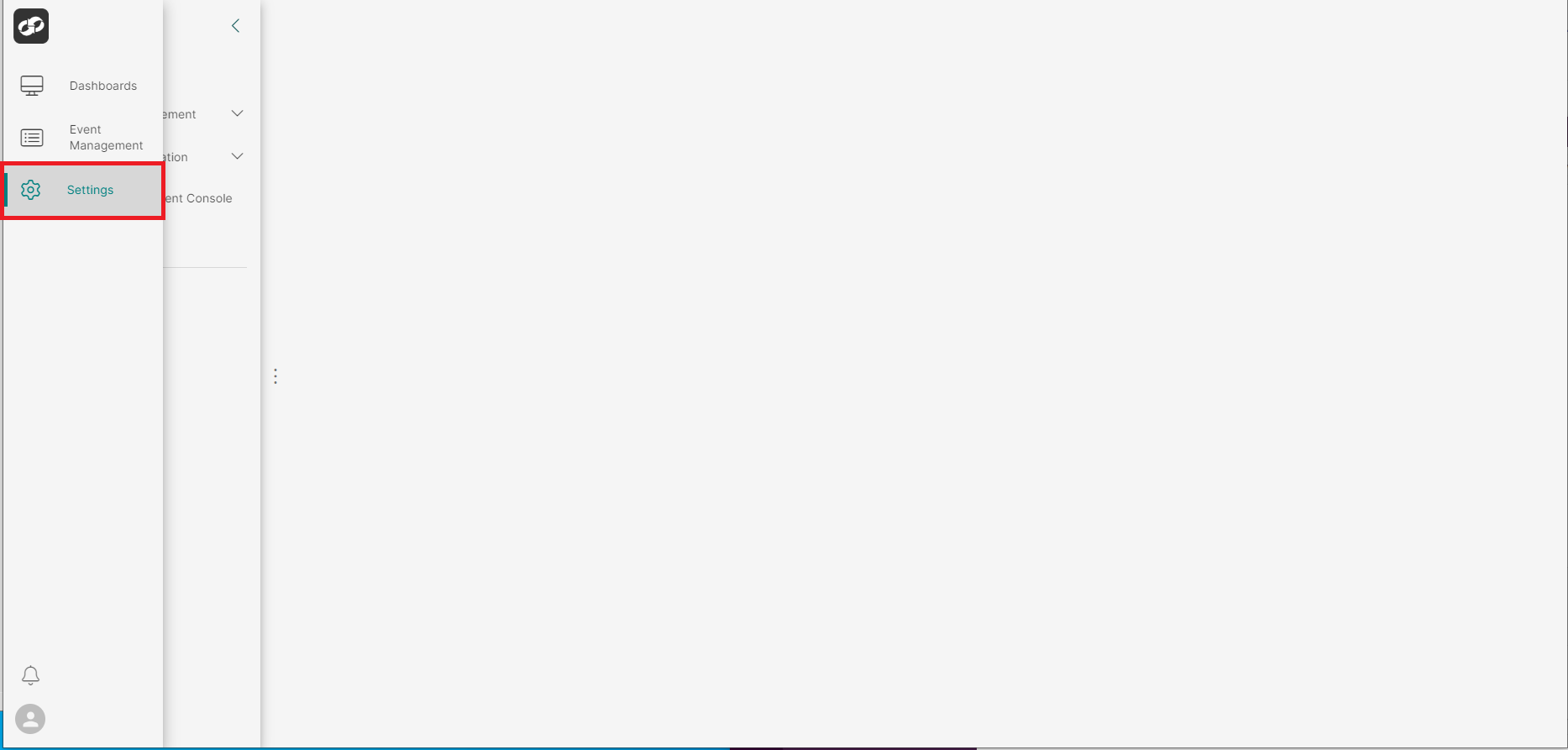
From the index on the left, select Access Management then Password Policy
You will then be presented with the Password Policy page
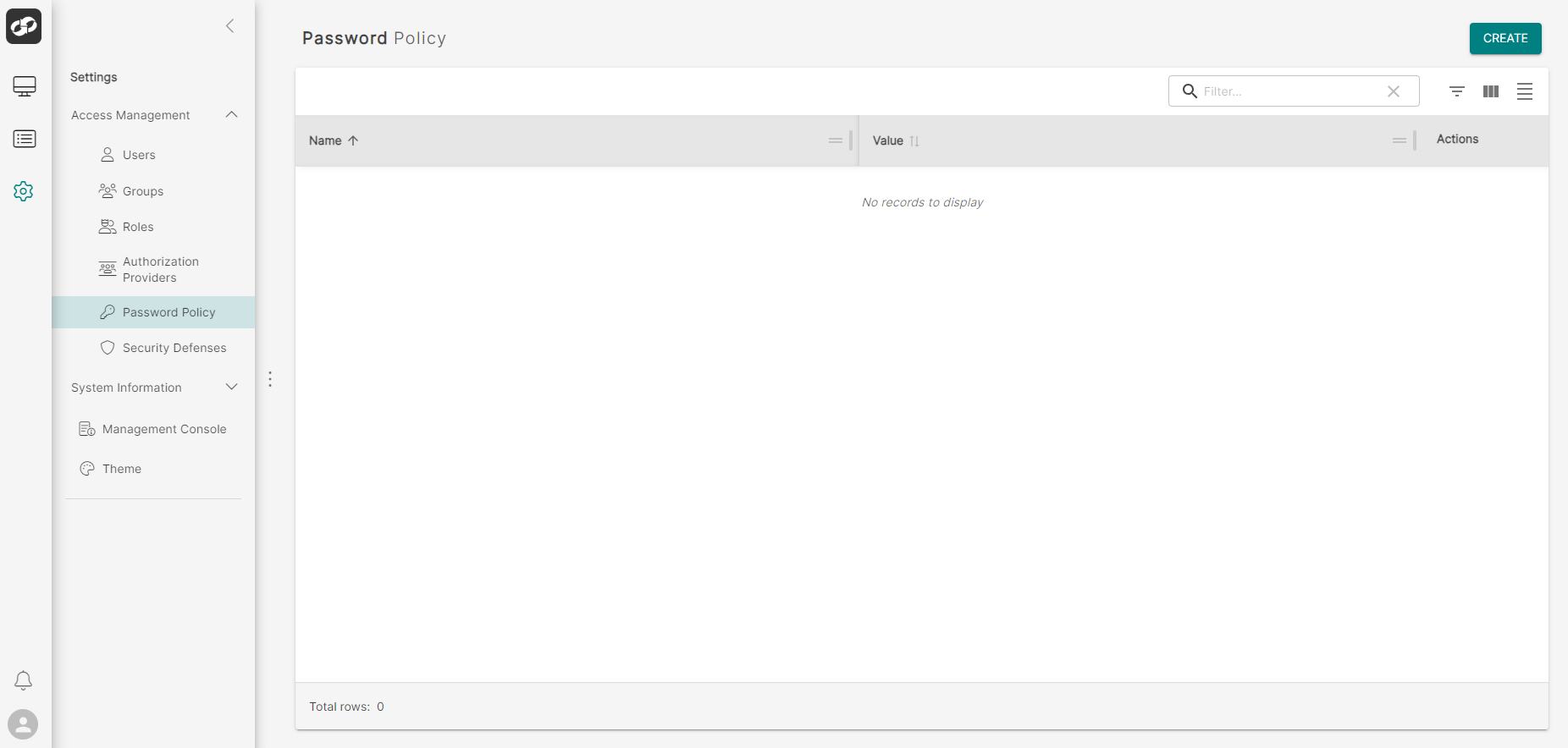
Click the CREATE button in the top right of the page which will bring up the Add Password Policy modal
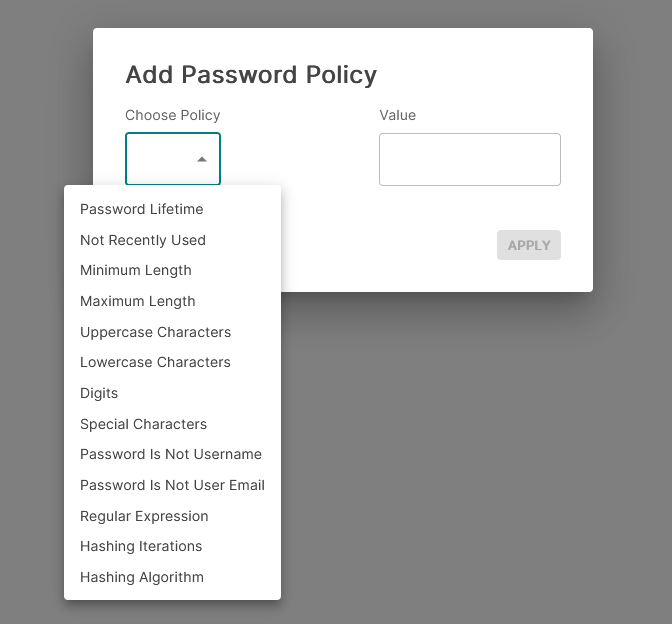
- Click the
Choose Policydropdown window to view the policies available. - Select the desired policy and then enter the relevant value in the
Valuesection (where appropriate) - Click
Applyto apply the new policy