Download a Certificate
The following section covers how to download certificates
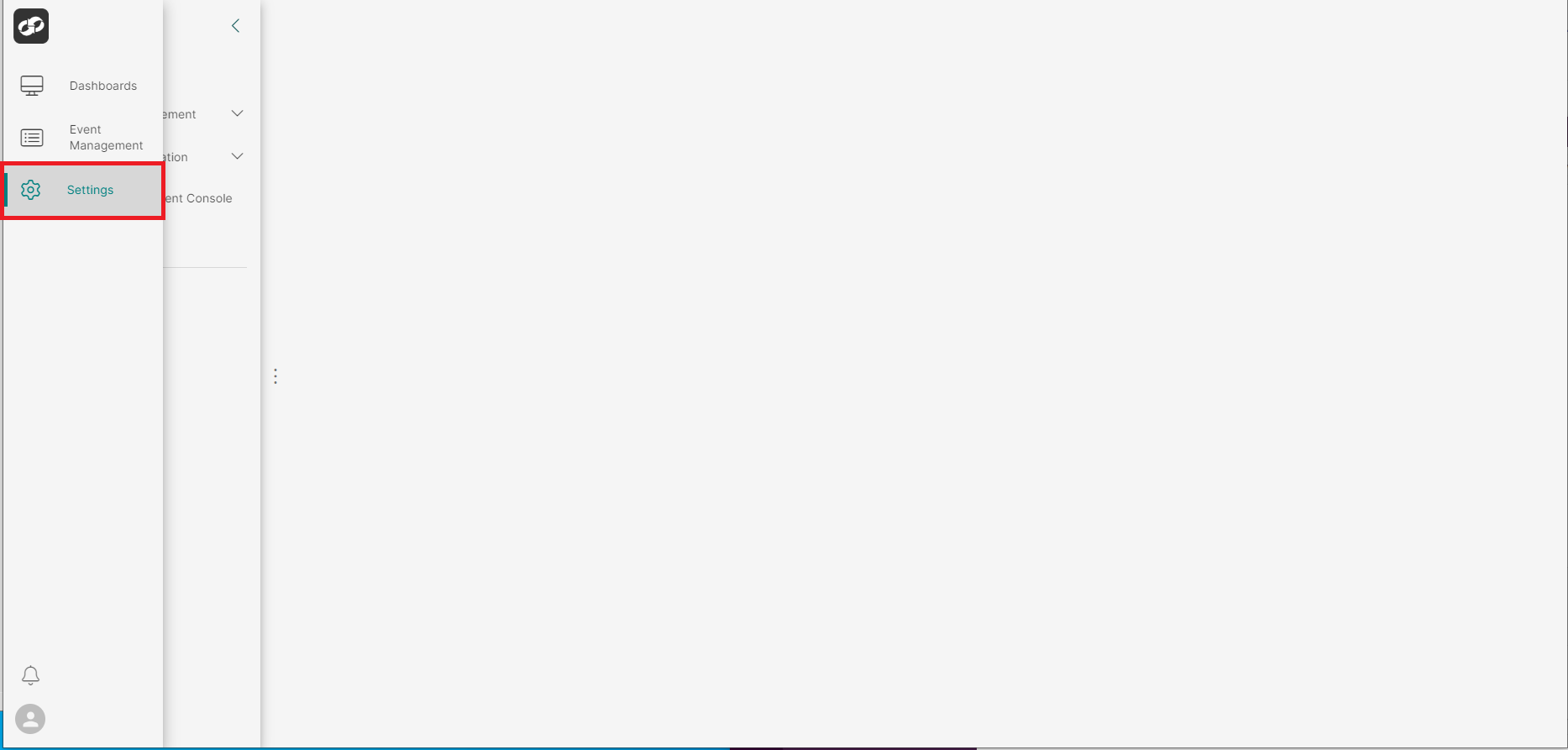
Log on to ASI and navigate to Settings
From the index on the left, select System Information then Certificates
You will then be presented with the Certificates page

- Locate the certificates that you’d like to download and then click the three vertical dots on the far right
- From the options list, select
Download - The certificates will be zipped up and downloaded to your local filesystem