Create a Configuration
The following section covers how to create a configuration entry
Log on to ASI and navigate to Settings
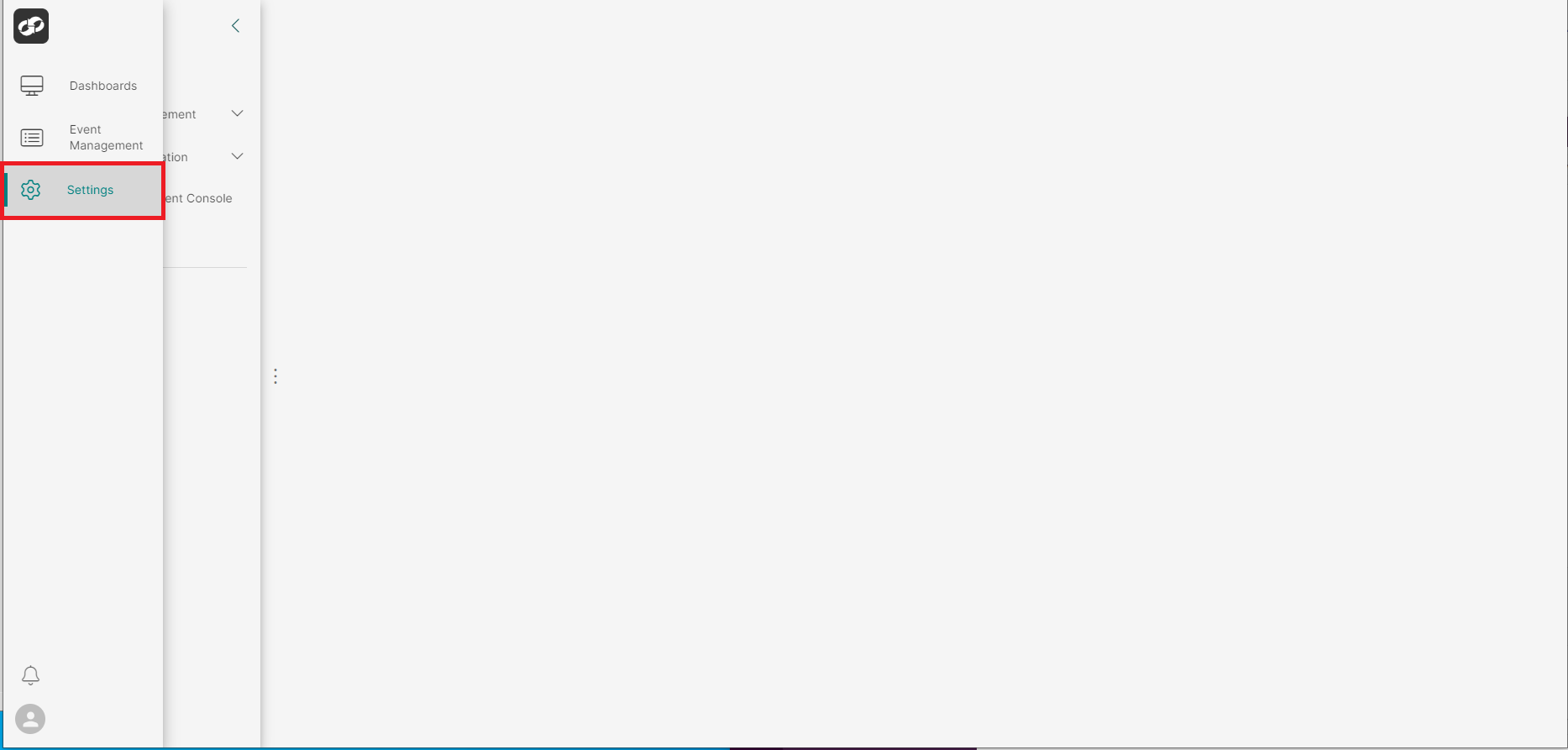
From the index on the left, select System Information then Configuration
You will then be presented with the Configuration page
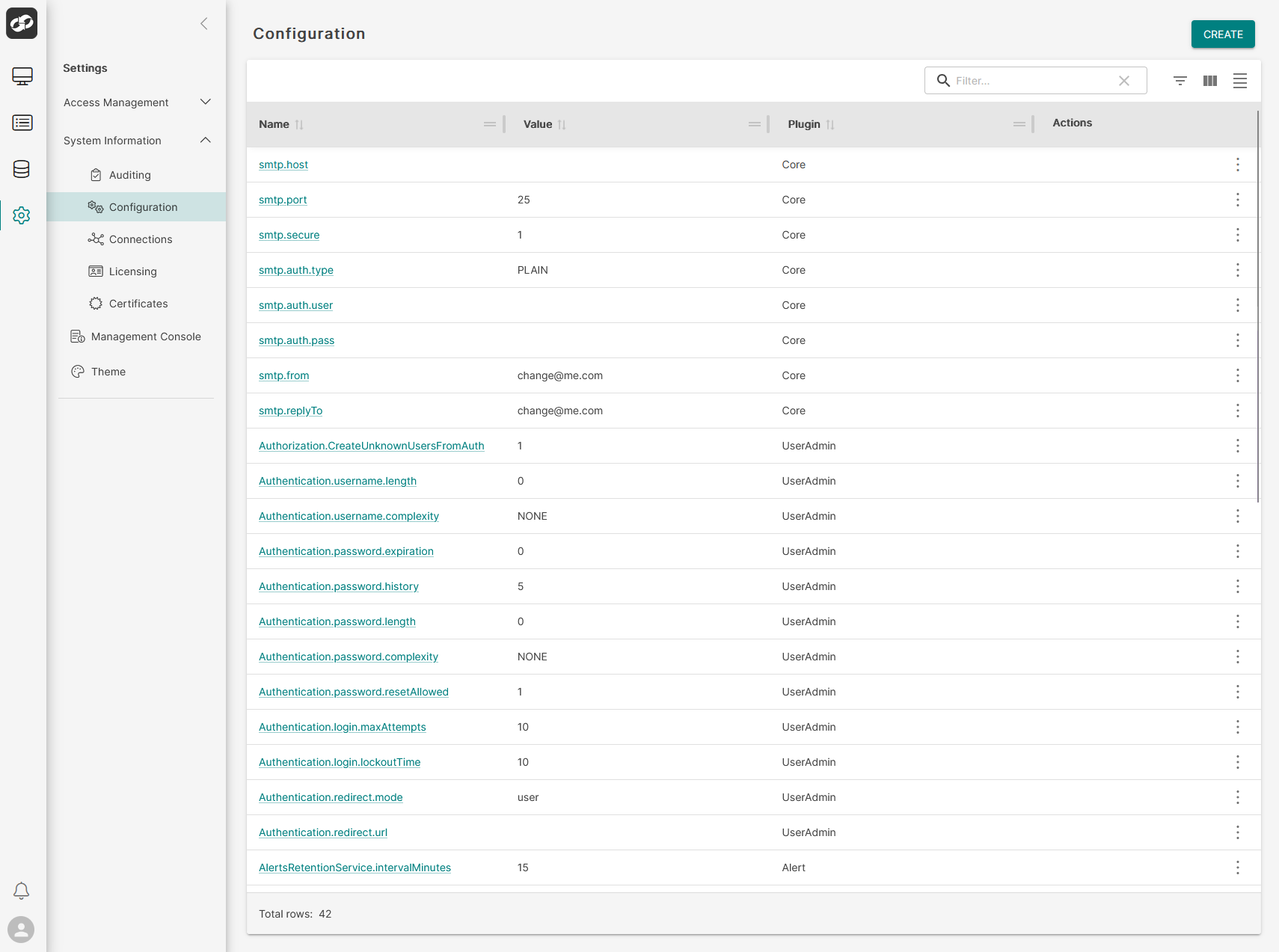
Click the CREATE button in the top right of the page which will bring up the Create Configuration page
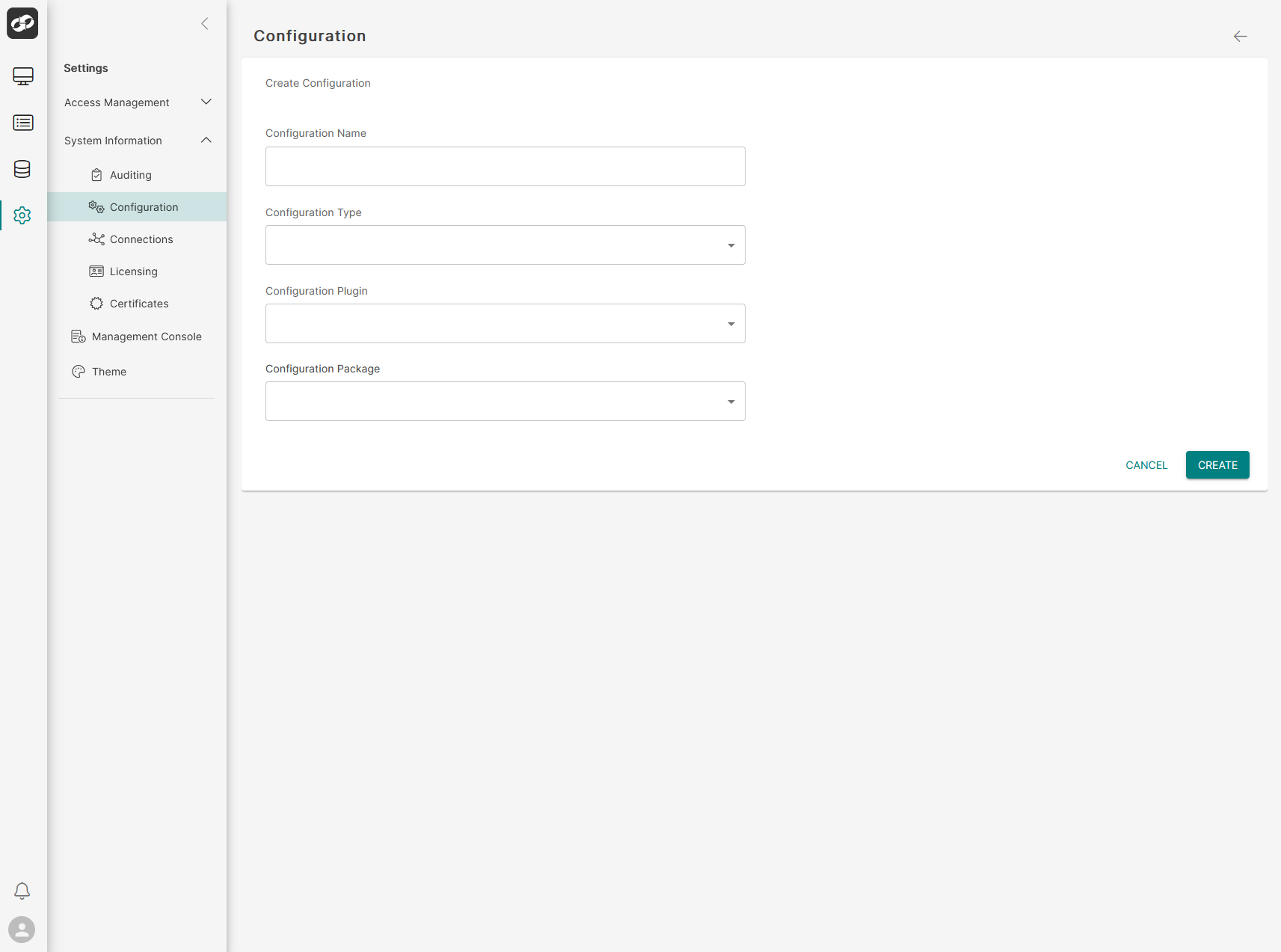
Define the attributes of the configuration entry
- In the
Configuration Namebox, enter the desired name of the new configuration entry - In the
Configuration Typebox, enter the data type of the configuration entry i.e - (String|Integer|Long|Double|Boolean) - In the
Configuration Pluginbox, select the plugin that will have access to your new configuration entry - In the
Configuration Packagebox, ensure thatBaseis selected - In the
Valuefield, enter the value you wish to set for the configuration entry (The value must match the datatype you have set i.e - You cannot enter a string value if the datatype is set to integer)
Once you are happy, click Create to create the new configuration entry