Create a Connection
The following section covers how to create a connection
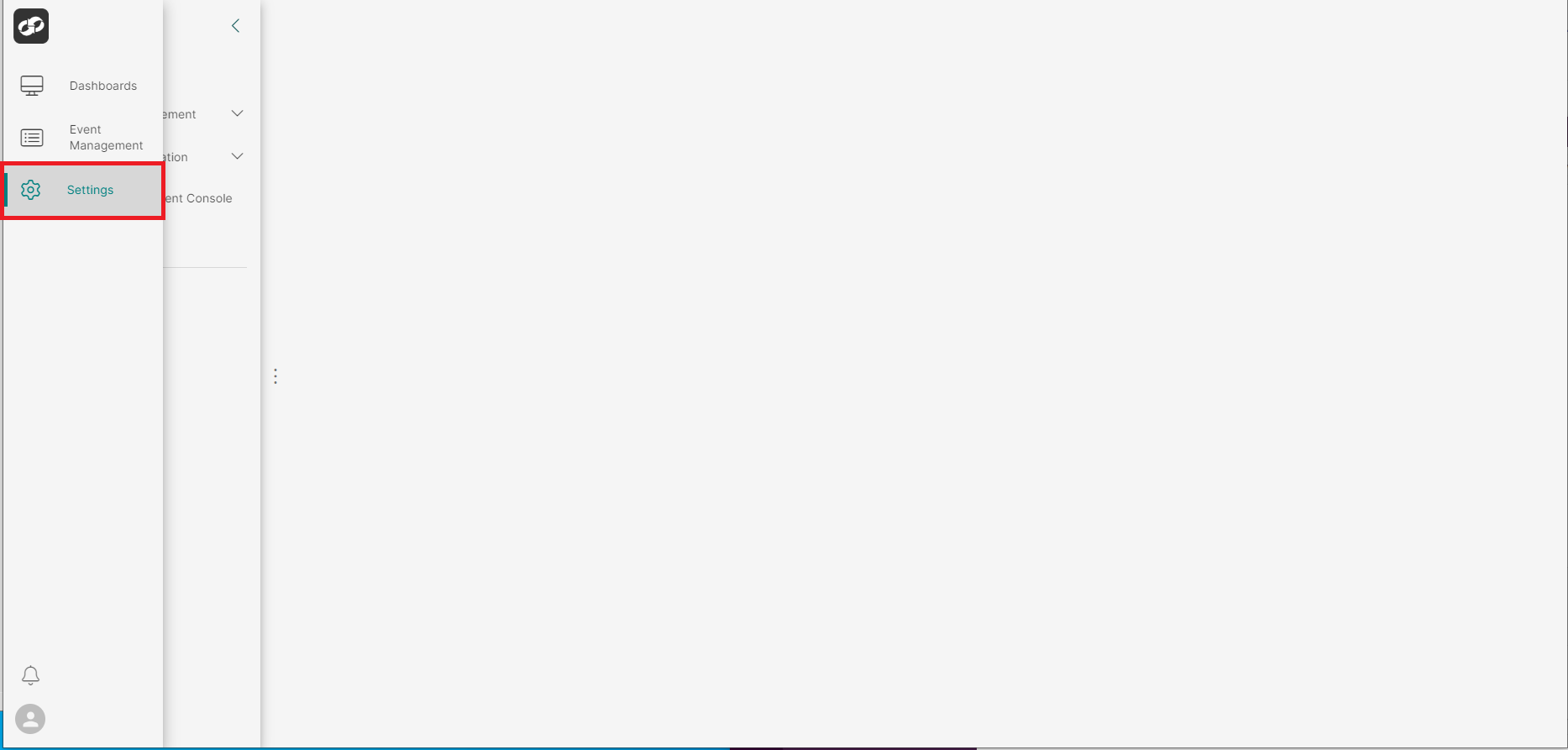
Log on to ASI and navigate to Settings
From the index on the left, select System Information then Connections
You will then be presented with the Connections page
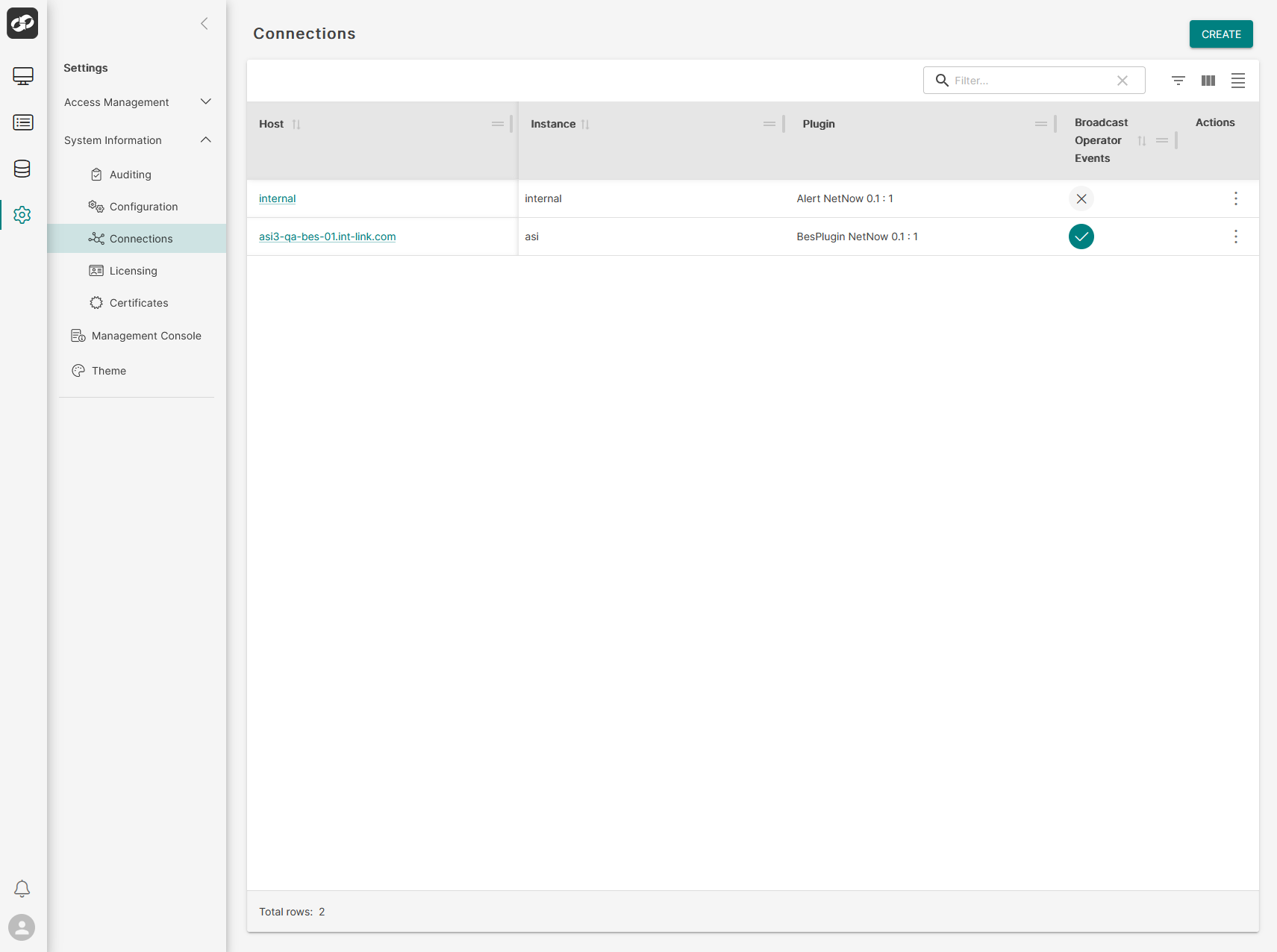
Click the CREATE button in the top right of the page which will bring up the Create Connection page

Define the attributes of the connection
- In the
Hostbox, enter the hostname of the BES server - In the
Instancebox, enter the name of the instance - In the
Pluginbox, enter the relevant plugin - Select the
BroadastOperatorEventscheck box if appropriate - In the
HCES Hostbox, enter the URL for the HCES eg:https://bes.dummy.com:50819/services/hces - In the
Automation Hostbox, enter the URL for UserAO eg:https://bes.dummy.com:50819/services/userao - In the
piWS Hostbox, enter the URL for piWS eg:https://bes.dummy.com:50819/services/piWS - In the
Maintenance Hostbox, enter the URL maintenance server eg:https://bes.dummy.com:50819/services/maintenance - In the
Maintenance Host Time Zonebox, select the relevant time zone from the dropdown list
Once all fields have been completed, click Create to create the connection