Create a User
The following section covers how to create a user.
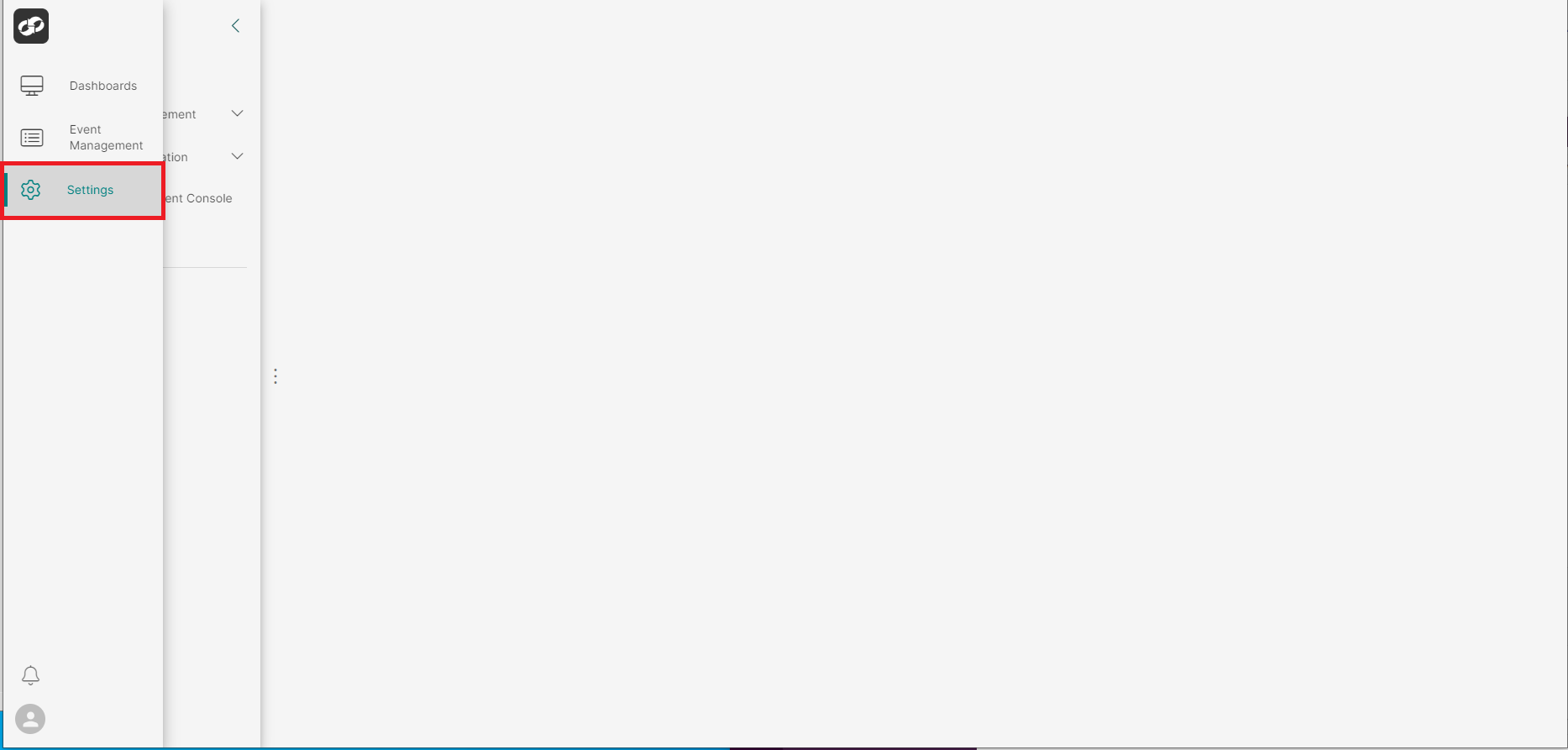
Log on to ASI and navigate to Settings
From the index on the left, select Access Management then Users
You will then be presented with the User Administration page
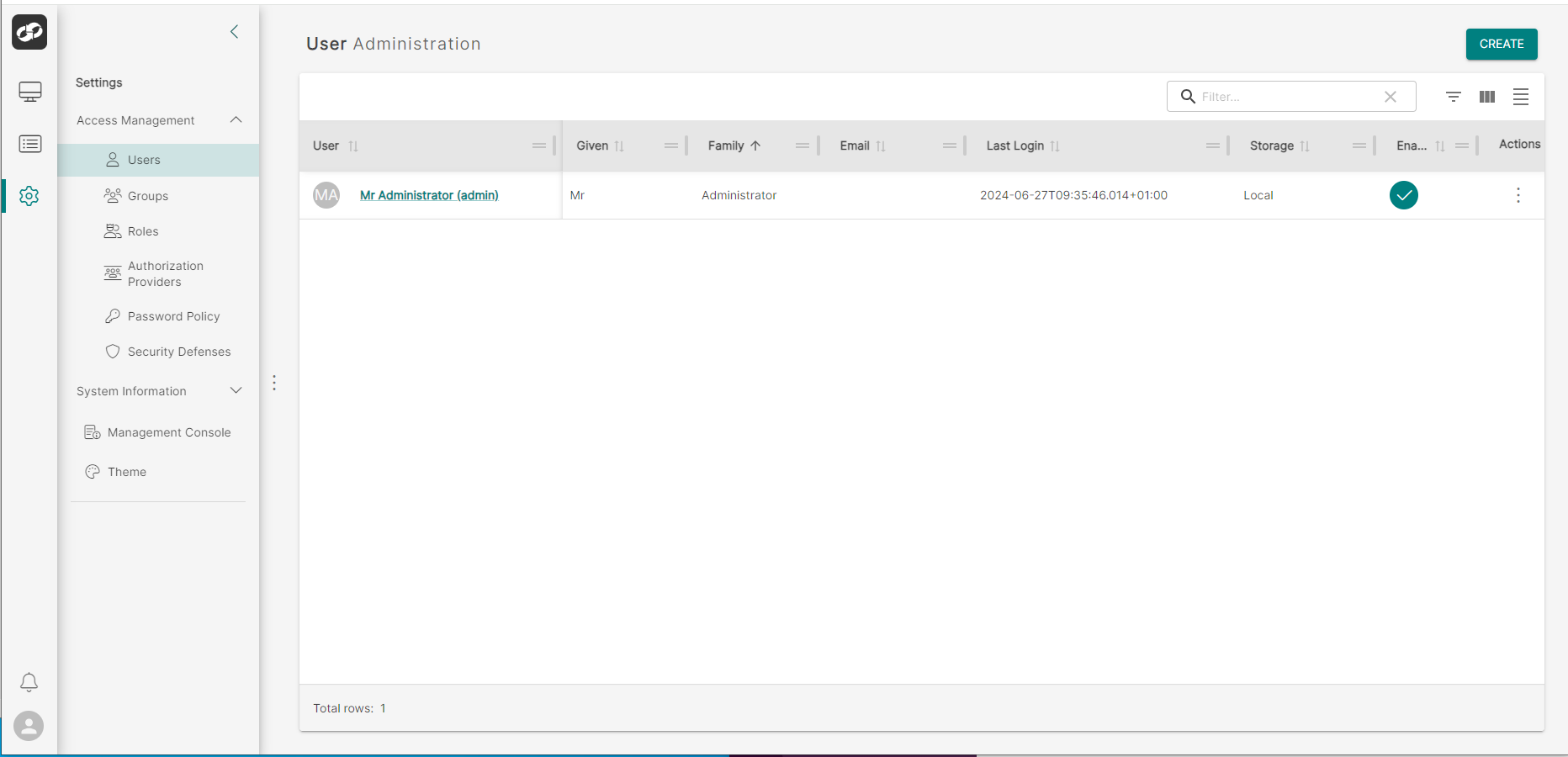
Click the CREATE button in the top right of the page which will bring up the Create User page
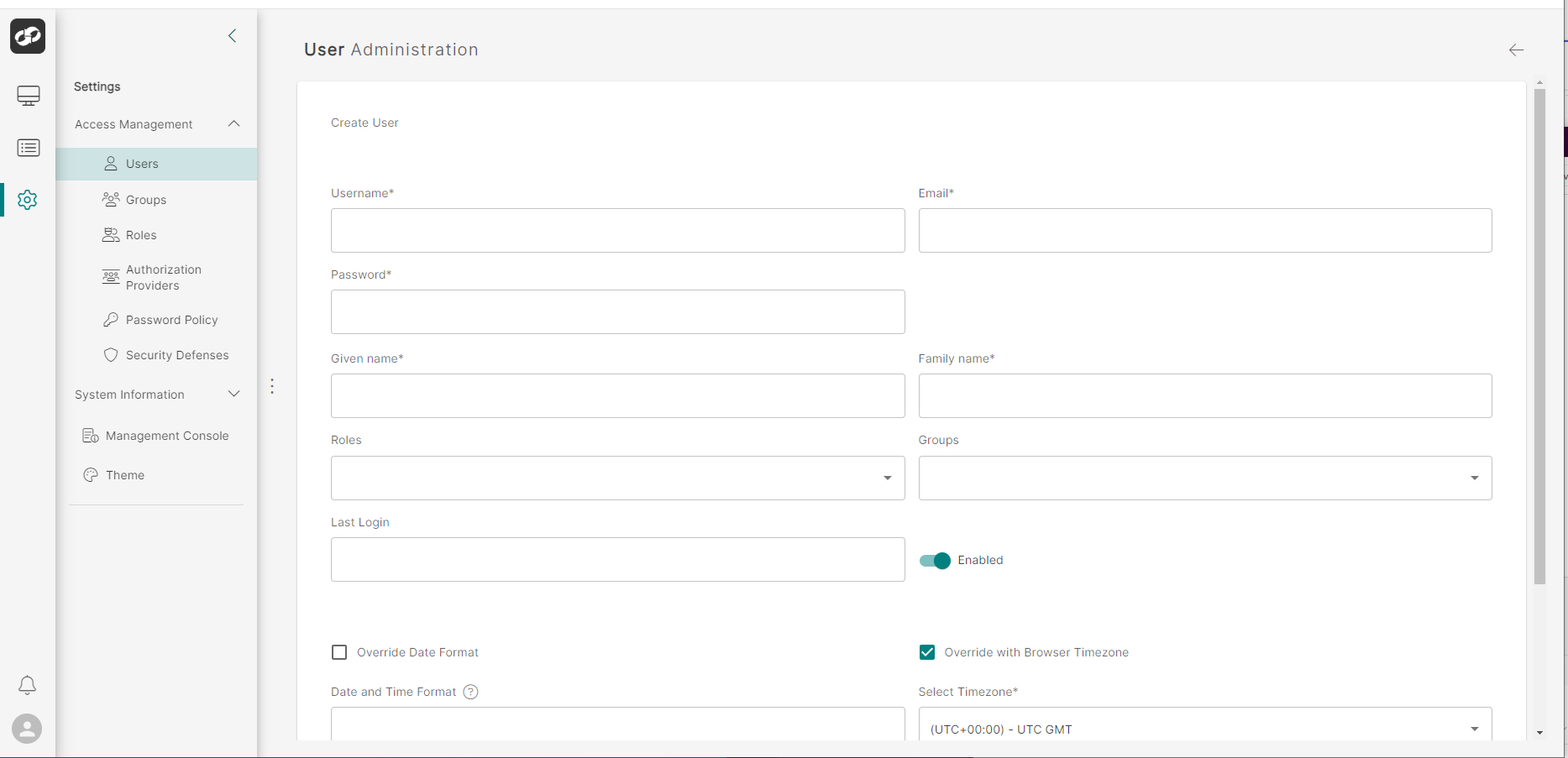
Define the attributes of the user
- In the
Usernamebox, type a unique username for the user - In the
Emailbox, enter the user’s email address - In the
Given Namebox, enter the user’s first name - In the
Family Namebox, enter the user’s surname - In the
Rolesbox, select the relevant role(s) from the dropdown list

- In the
Groupsbox, select the relevant group(s) from the dropdown list - To enable/disable the user, adjust the
Enabledtoggle swith accordingly - To override the default date format, click the
Override Date Formatcheck box and then enter the required format into theDate and Time Formatbox. A list of available formats can be viewed by clicking the question mark - To configure an appropriate timezone, click one of the options in the
Select Timezonedropdown list - Once all fields have been completed, click
Createto create the user