Delete a Configuration
The following section covers how to delete a configuration entry
Log on to ASI and navigate to Settings
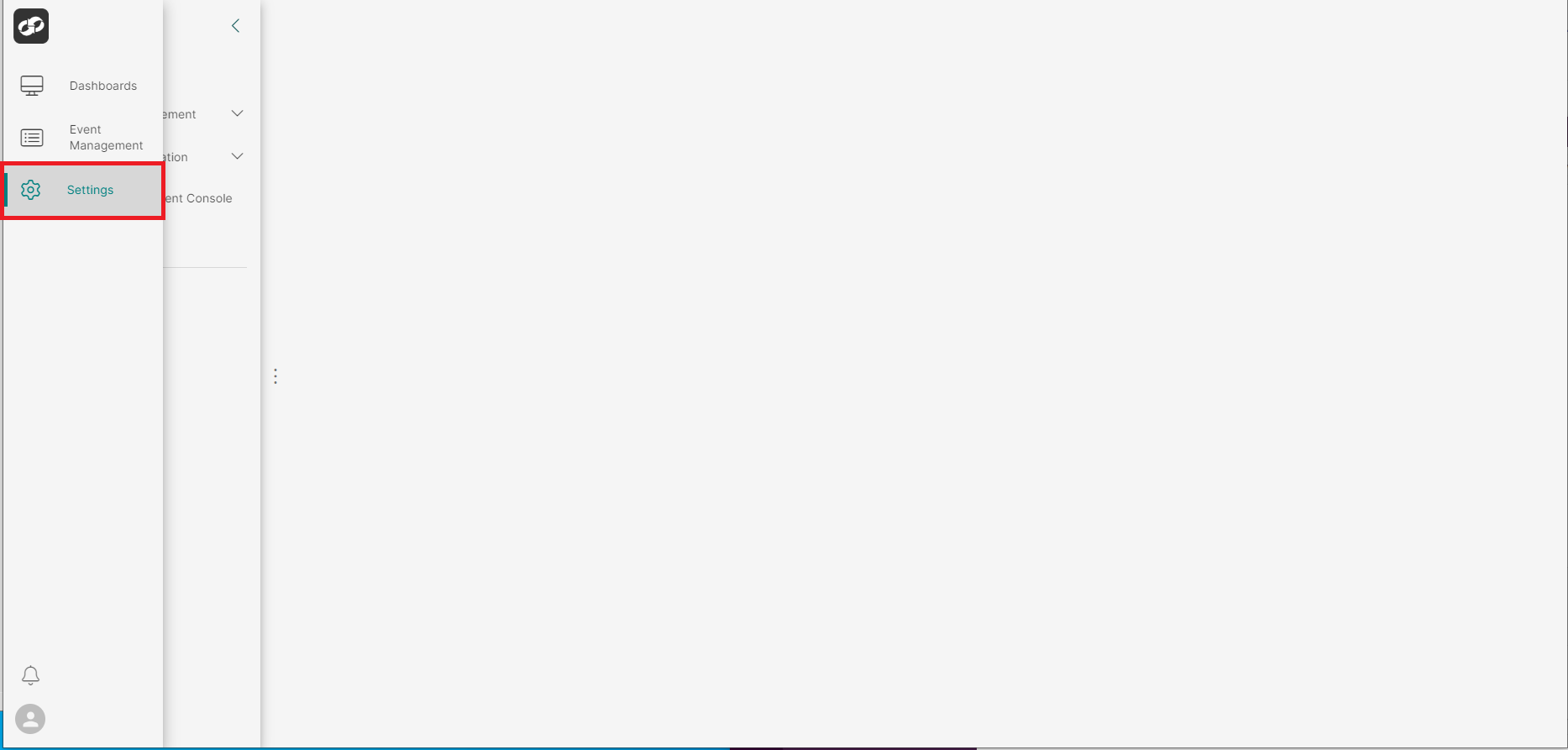
From the index on the left, select System Information then Configuration
You will then be presented with the Configuration page
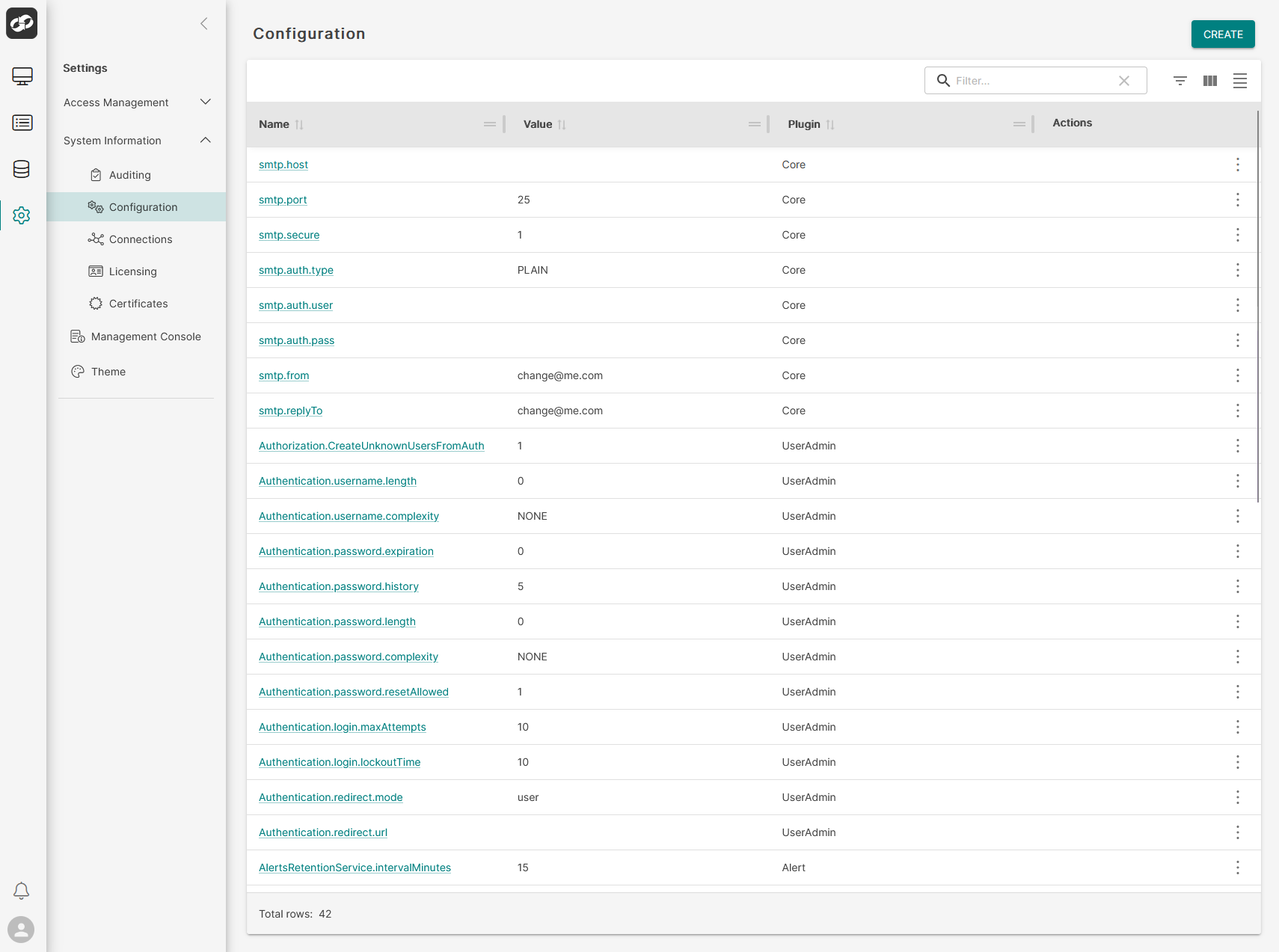
- Locate the configuration entry that you’d like to delete and then click the three vertical dots on the far right (box 1)
- From the options list (box 2), select
Delete - You will then be presented with the
Delete Configurationconfirmation box

If you would like to go ahead with the deletion, click Confirm