Auditing
The following section covers how to create a user.
Required Roles
The following outlines the specific roles a user must have to perform actions within Auditing
note
Users with the system-administrator role have full administrative access to the Auditing page by default
| Role | Description |
|---|---|
system-auditlog-role | Gives the user access to the Auditing page |
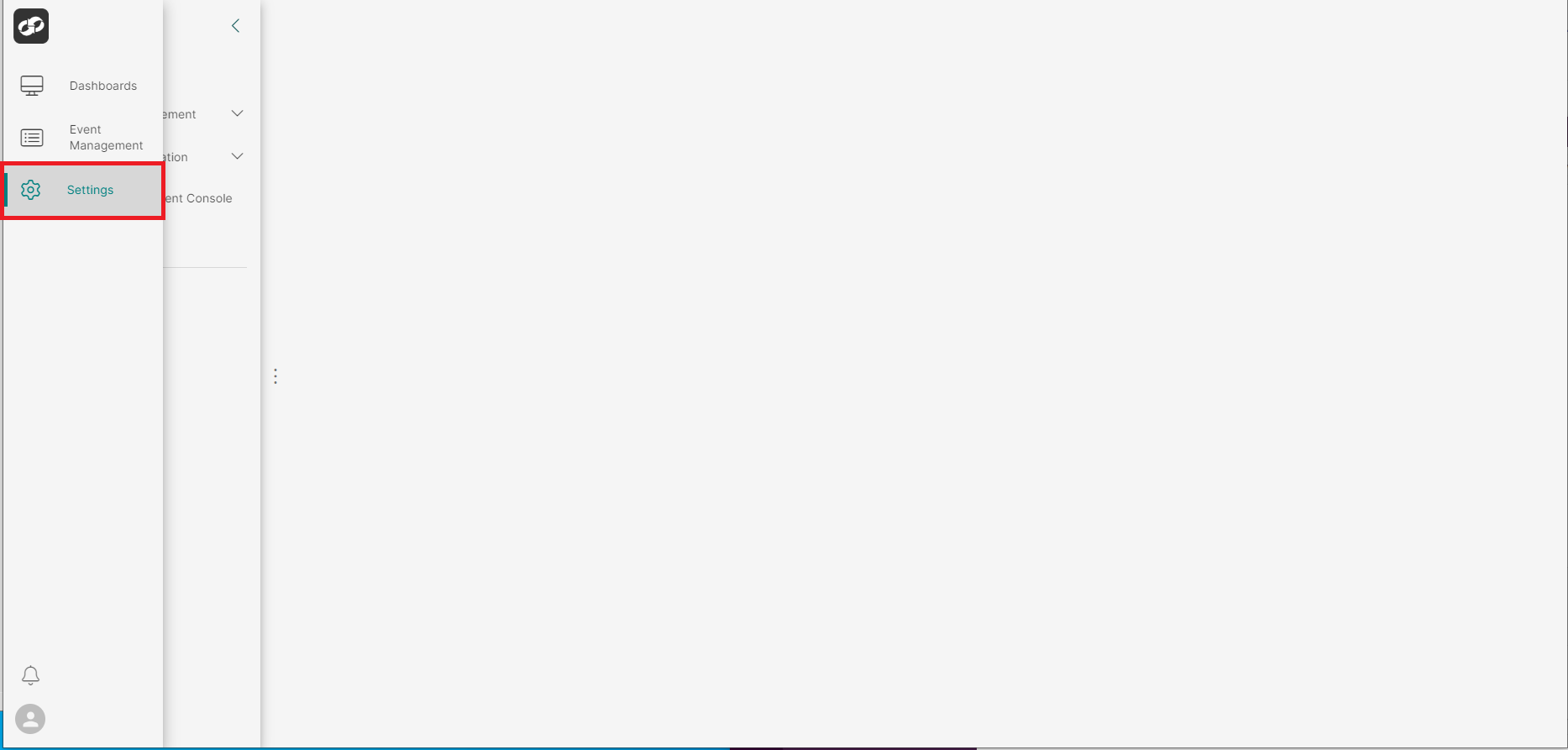
Log on to ASI and navigate to Settings
From the index on the left, select System Information then Auditing
You will then be presented with the System Information page
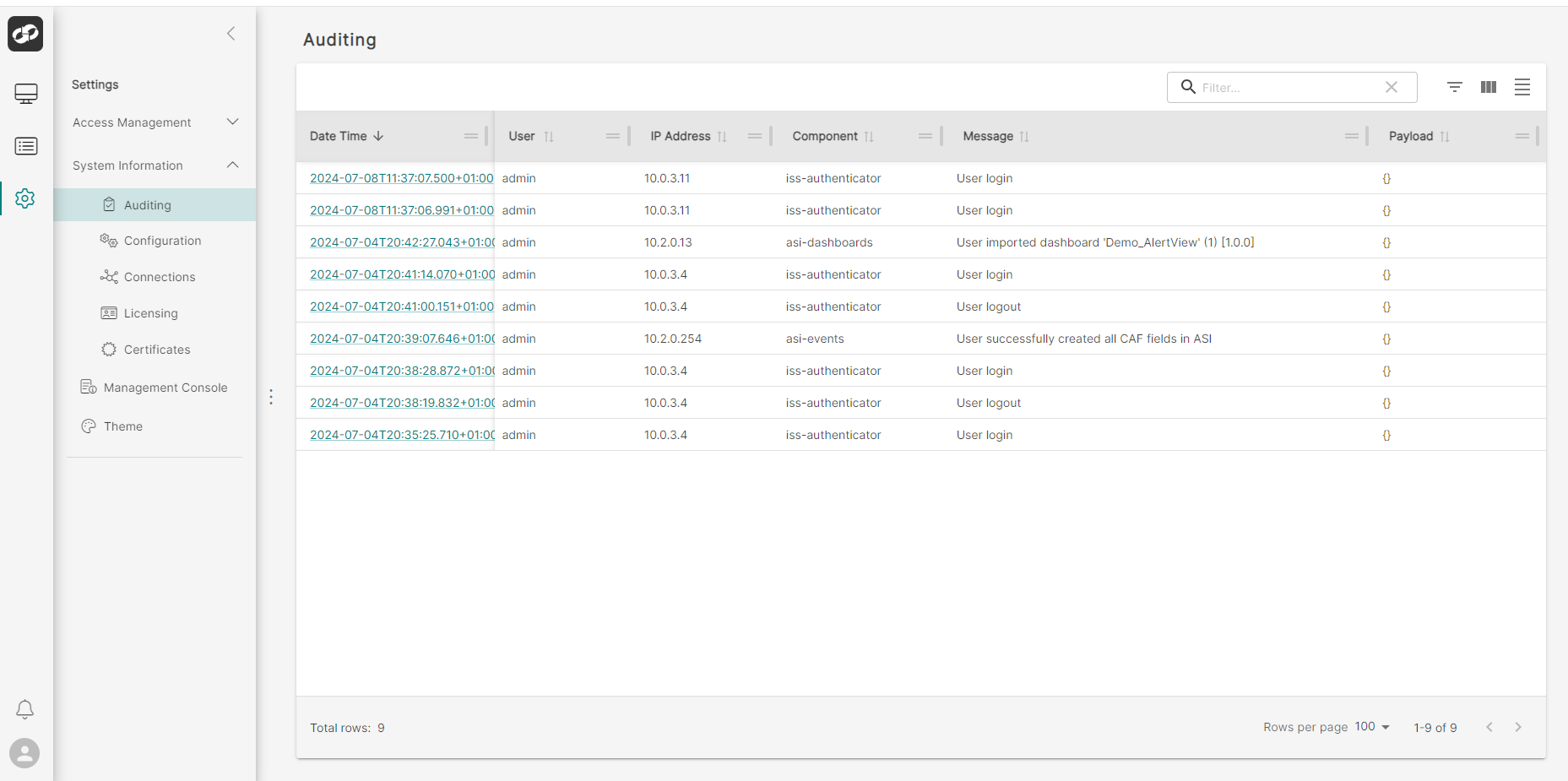
You will then be presented with details of the recent user actions in the ASI environment